CLOUD MIGRATION
Cloud Migration Services Built Around Your Business
Move your applications, databases, and infrastructure to AWS, Microsoft Azure, or Google Cloud with a clear plan for cutover.
BrainStream Technolabs helps you assess dependencies, move workloads in phases, and verify that critical systems work in their new environment.
VERIFIED BY

5.0 RATINGS

VERIFIED BY

5.0 RATINGS

VERIFIED BY

5.0 RATINGS

Let’s Plan Your Cloud Move
Tell us what you need to move and which services your business relies on. We’ll help you identify what to assess first.

Manish Khilwani
Co-Founder, BrainStream Technolabs.








Move Workloads Without Losing Sight of Daily Operations
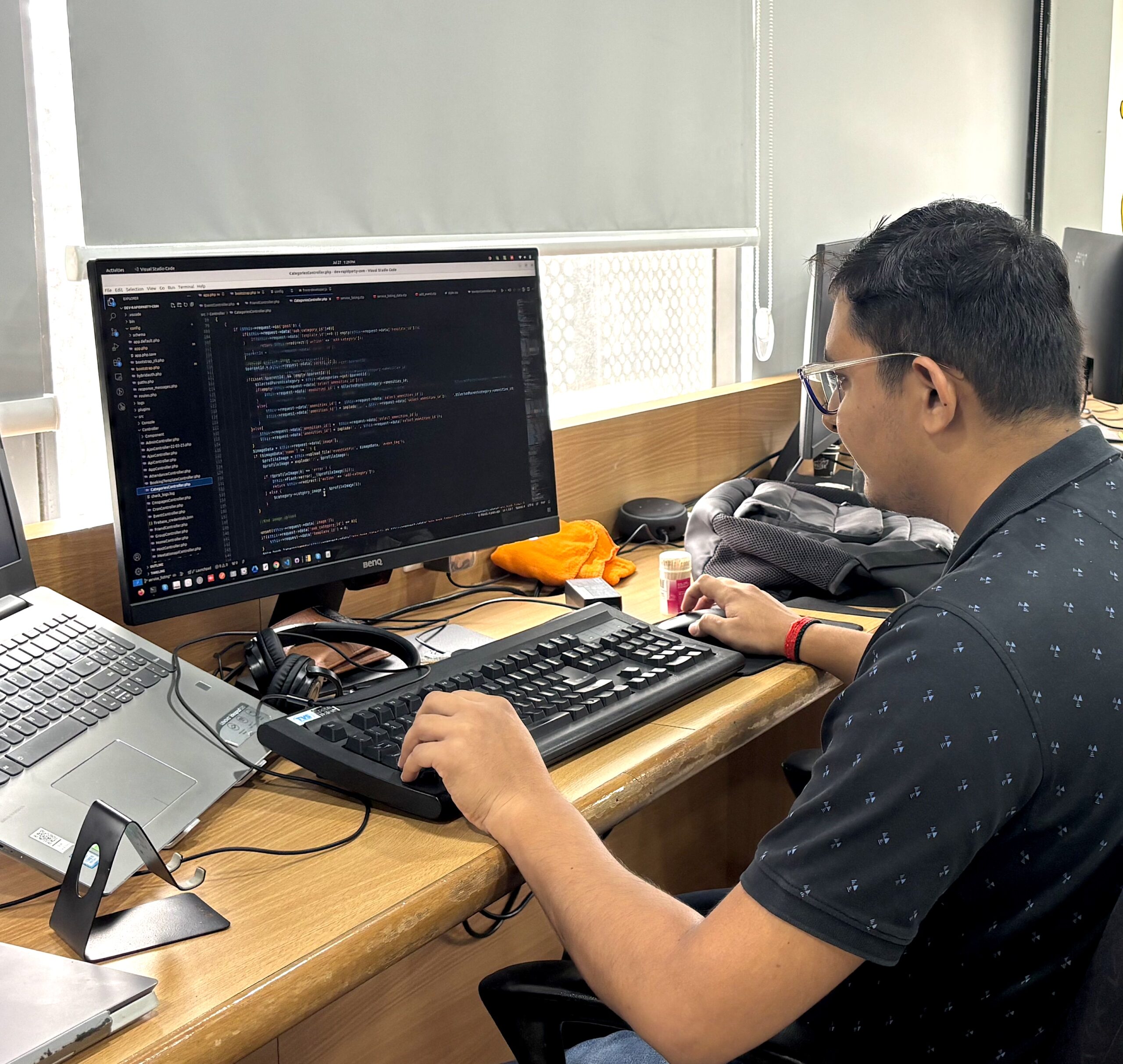
A cloud migration moves applications, data, and infrastructure to a new cloud environment. The hard part is keeping connected systems working through the switch.
We map dependencies, group workloads into phases, and test the move before switching live traffic. For critical systems, we agree on downtime limits, validation checks, and when to roll back.
You get a migration sequence your team can review, rehearse, and follow during cutover.
Cloud Migration Services From Assessment to Cutover
Get support for the full move or bring us in for a specific phase, from readiness assessment to post-migration checks.

Migration Readiness Assessment
Inventory applications, databases, and integrations. Identify what can move as-is, what needs preparation, and which dependencies affect the order.
Migration Strategy & Planning
Choose a migration approach for each workload. Set the migration sequence, owners, maintenance windows, and criteria for moving to the next phase.
Target Cloud Environment Setup
Prepare the accounts, network connections, roles, and monitoring that migrated workloads need. Validate access and connectivity before transferring live data.
Application & Server Migration
Move applications and servers in planned groups. Verify that background jobs, integrations, and key user journeys work in the new environment.
Database & Data Migration
Plan how to transfer and synchronise data. Compare records, test queries, and confirm that applications can read and write after the move.
Cloud to Cloud Migration
Move workloads between cloud providers, regions, or accounts. Identify platform-specific dependencies and test replacements before switching production traffic.

Cutover & Rollback Planning
Rehearse the production switch and agree on who approves it. Define the checks for going live and the conditions for rolling back.

Post Migration Validation & Support
Monitor application health, performance, and cloud spending after launch. Resolve migration-related issues and hand over operational documentation.
Planning a Move for Business-Critical Systems?
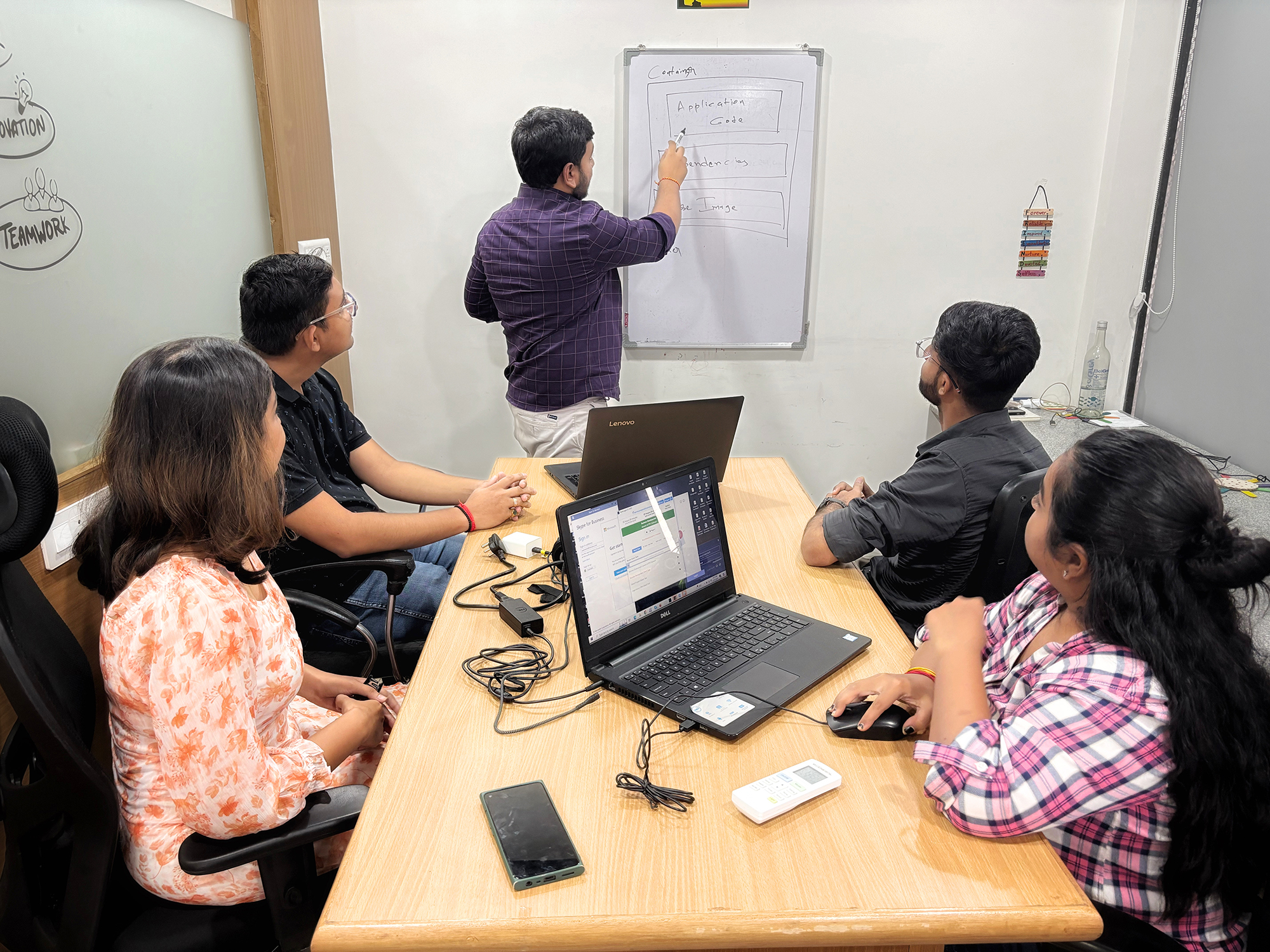
What Goes Into a Cloud Migration Plan?
A migration plan tells your team what moves, when the switch happens, and how to check that it worked.
- Workload inventory: Record applications, data stores, integrations, and owners.
- Migration phases: Group connected workloads and decide what moves first.
- Cutover runbook: Document the steps, owners, timing, and approval points.
- Validation checks: Confirm data integrity, integrations, and key user journeys.
- Rollback criteria: Agree on when to pause or reverse the switch and how to handle new writes.
Use a rehearsal to check the sequence and assign responsibility for each decision before the live move.
Cloud Migration Scenarios We Support
The right migration approach depends on what you run today, where it needs to go, and how much disruption you can tolerate.
Moving From On-Premises Infrastructure
Move workloads off local servers or a data centre. Plan around systems that must stay on-site and remain connected during the transition.
Leaving Shared or Managed Hosting
Move a growing website or application to cloud hosting. Verify scheduled jobs, email delivery, and external integrations before changing traffic routes.
Switching Cloud Providers
Replace provider-specific services where needed. Test application behaviour, access, and performance before retiring the original environment.
Moving to a New Cloud Region
Plan the move around latency and data location requirements. Check service availability and replication options in the target region.
Migrating a Production Database
Choose an approach based on database size, write activity, and acceptable downtime. Reconcile records before directing the application to the new database.
Consolidating Cloud Accounts
Bring workloads into a shared account structure. Map permissions, network connections, and billing ownership so teams can keep operating during the transition.
Start With a Workload You Can Validate
Know Who Owns Every Step of the Move
Migration decisions often involve engineering, operations, and business teams. We document who makes each decision and what evidence they need before proceeding.
- Business priorities: Identify which systems need the tightest cutover windows.
- Pilot migration: Test the approach on a representative workload before moving critical systems.
- Go-live criteria: Agree on what must pass before routing production traffic.
- Post-cutover monitoring: Check application errors, response times, and scheduled jobs.
- Operational handover: Document the new setup, open issues, and support responsibilities.
Bring your workload list, target platform, or migration deadline. We’ll help you scope a first phase around it.
FAQs
What are cloud migration services?
Cloud migration services help businesses move applications, databases, and infrastructure to a cloud environment. The work can cover assessment, environment setup, data transfer, cutover, and validation.
What is included in a cloud migration assessment?
A migration assessment typically reviews workloads, dependencies, data volumes, and downtime limits. The findings help define what to move, in what order, and what to test.
Which cloud platforms can you migrate to?
BrainStream works with AWS, Microsoft Azure, and Google Cloud. We scope the move around your source environment, destination services, and workload requirements.
Can you migrate between cloud providers?
Yes. A cloud-to-cloud move starts by identifying services that depend on the source provider. We then plan replacements, data transfer, and cutover around those dependencies.
Can you migrate without downtime?
Some workloads can move with little or no downtime. Feasibility depends on how the application handles traffic, database writes, and replication. We assess those constraints before agreeing on a cutover window.
How do you verify that data migrated correctly?
Checks can include comparing record counts or checksums, validating sample transactions, and testing application reads and writes. We agree on checks appropriate to the workload before cutover.
What happens if something fails during cutover?
The runbook defines when to pause or roll back and who makes that decision. It also accounts for any new data written after the switch so the team can plan how to reconcile it.
How much does cloud migration cost, and how long does it take?
Cost and timing depend on workload count, data volume, dependencies, and testing requirements. Estimates can also account for data transfer charges and the time both environments need to run in parallel.
Can we start with a pilot migration?
Yes. A pilot lets you test the migration method, measure transfer time, and refine the cutover checklist before moving more critical workloads.
Case Studies
We Speak Volumes Through
Our Projects
Discover how we’ve tackled real business challenges and delivered impactful results. Our case studies tell the story behind each solution.
-

MatchPlayHub – Scaling Social Sports Matchmaking Through a Mobile-First Platform
MatchPlayHub is a high-performance social sports networking platform designed to…
-

MusicVine – A Modern Music Licensing Platform
MusicVine is a leading UK-based music distributor known for delivering…
-

SuperHandles Digital Basketball Training Ecosystem
A full-stack transformation of a basketball training platform into a…