


Multiple Wishlist for Shopware
Shopware
Create and manage multiple wishlists in Shopware. Customers organize products into named lists, improve shopping experience, and increase conversions with flexible wishlist management.

Enhance your Shopware store with visual category navigation. Add images to menus to improve UX, guide users faster, and increase engagement and conversions.
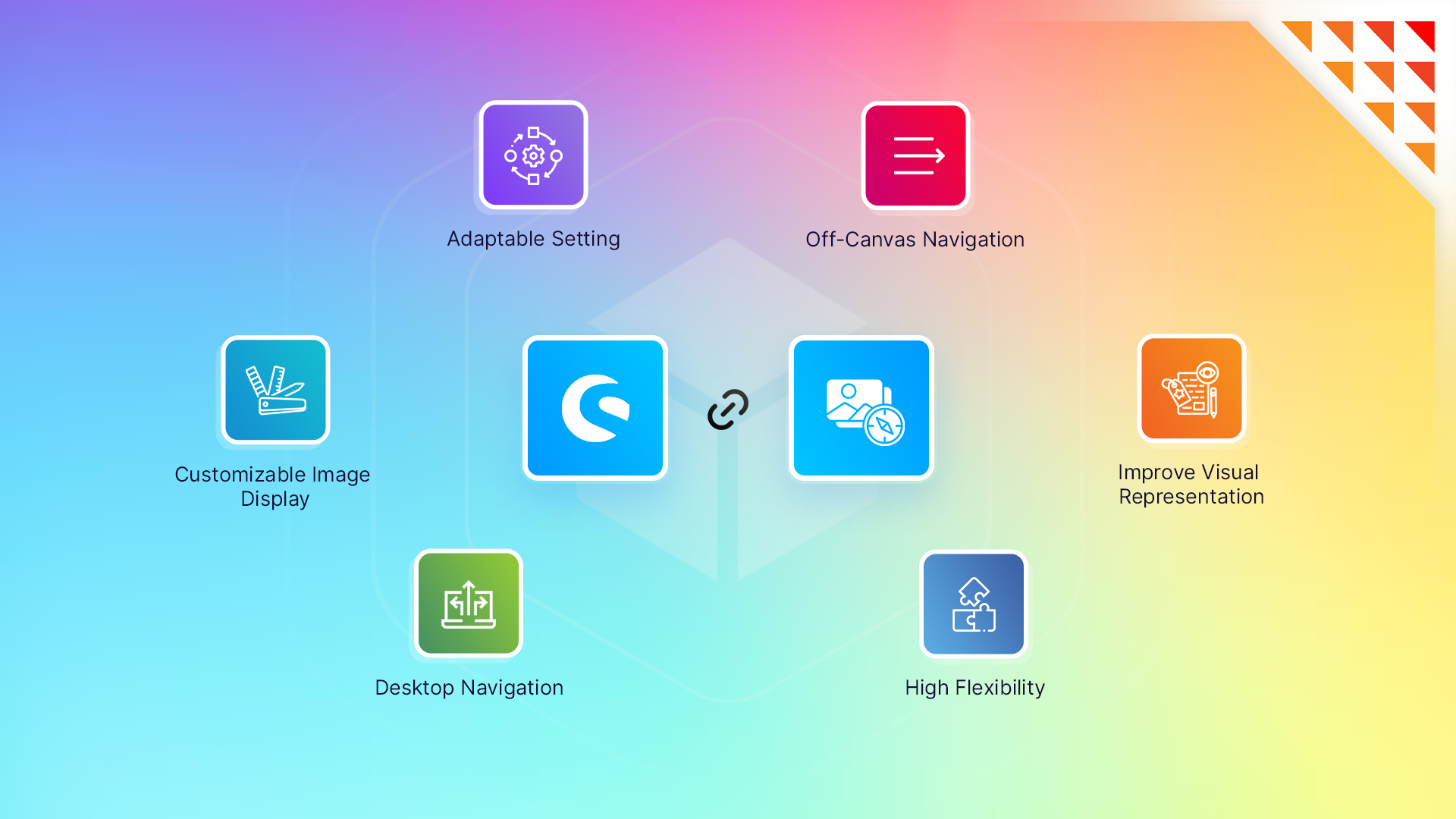
Boost your Shopware store navigation with a powerful navigation plugin featuring category image menus, off-canvas desktop navigation, mobile-friendly responsive design, mega menu support, customizable layouts, and enhanced UX to increase conversions and sales.
If you have additional requirements that are absent in the description of our plugin, do not hesitate to raise a support ticket.
Annually €2.50* /month €35.88 * €29.99* /year
Monthly €2.99* /month Cancelable monthly
The plugin enables you to use category images as clickable navigation links in your Shopware storefront. This creates an intuitive, image-based browsing experience for your customers, improving usability and engagement.
Yes, the plugin is fully compatible with Shopware 6 and works seamlessly with its latest versions.
Absolutely! The plugin allows you to customize the size, layout, and styling of category images to fit your storefront’s design and branding.
Yes, the plugin is responsive and ensures a smooth navigation experience on all devices, including smartphones and tablets.
After purchasing and downloading the plugin from the Shopware Store, install it via the Shopware Admin panel. Configuration options are intuitive and can be adjusted under the plugin settings. A detailed guide is included in the documentation.
Yes, you can configure the plugin to enable or disable image-based navigation for specific categories, giving you full control over its application.
Yes, we offer technical support for all customers. You can reach out via the Shopware Store support system, and we’ll assist you promptly.
3.0.0 (6.7.0.0 – 6.7.14.1)
28 April 2025
2.2.2 (6.6.10.4 – 6.6.10.25)
12 May 2025
2.2.1 (6.5.0.0 – 6.6.10.25)
2 January 2025
2.2.0 (6.4.0.0 – 6.6.10.25)
26 November 2024
2.1.0 (6.6.0.0 – 6.6.10.25)
5 July 2024
2.0.2 (6.6.0.0 – 6.6.10.25)
11 April 2024
2.0.1 (6.6.0.0 – 6.6.10.25)
29 March 2024
1.1.1 (6.5.0.0 – 6.5.8.19)
17 October 2025
1.1.0 (6.5.0.0 – 6.5.8.19)
5 July 2024
1.0.1 (6.5.0.0 – 6.5.8.19)
11 April 2024
1.0.0 (6.5.0.0 – 6.5.8.19)
29 January 2024
Shopware
Create and manage multiple wishlists in Shopware. Customers organize products into named lists, improve shopping experience, and increase conversions with flexible wishlist management.

Shopware
seamlessly connects your Shopware 6 store with Xero, one of the leading accounting software solutions. This integration automates the flow of financial data,…

Shopware
Add festive animations like snow, Halloween effects, and more to your Shopware store. Boost engagement, create seasonal experiences, and increase conversions easily.

Shopware
Display recent sales information on your product detail page to drive customer engagement. Show the number of products sold or, display the number…
Tell us what you need for Navigation for Category & Subcategory Image.
Turn Your
Ideas Into,
Digital Growth



Future-ready AI and software solutions built
around your business goals.
Trusted by Our Clients






Reviews
There are no reviews yet.